Every design in the library produces selectable text rather than a picture of a CV, which is the single most important thing for software that has to read it. Beyond that, layouts differ in how much they decorate, and that is where the filters help.
Step by step
Open the template library
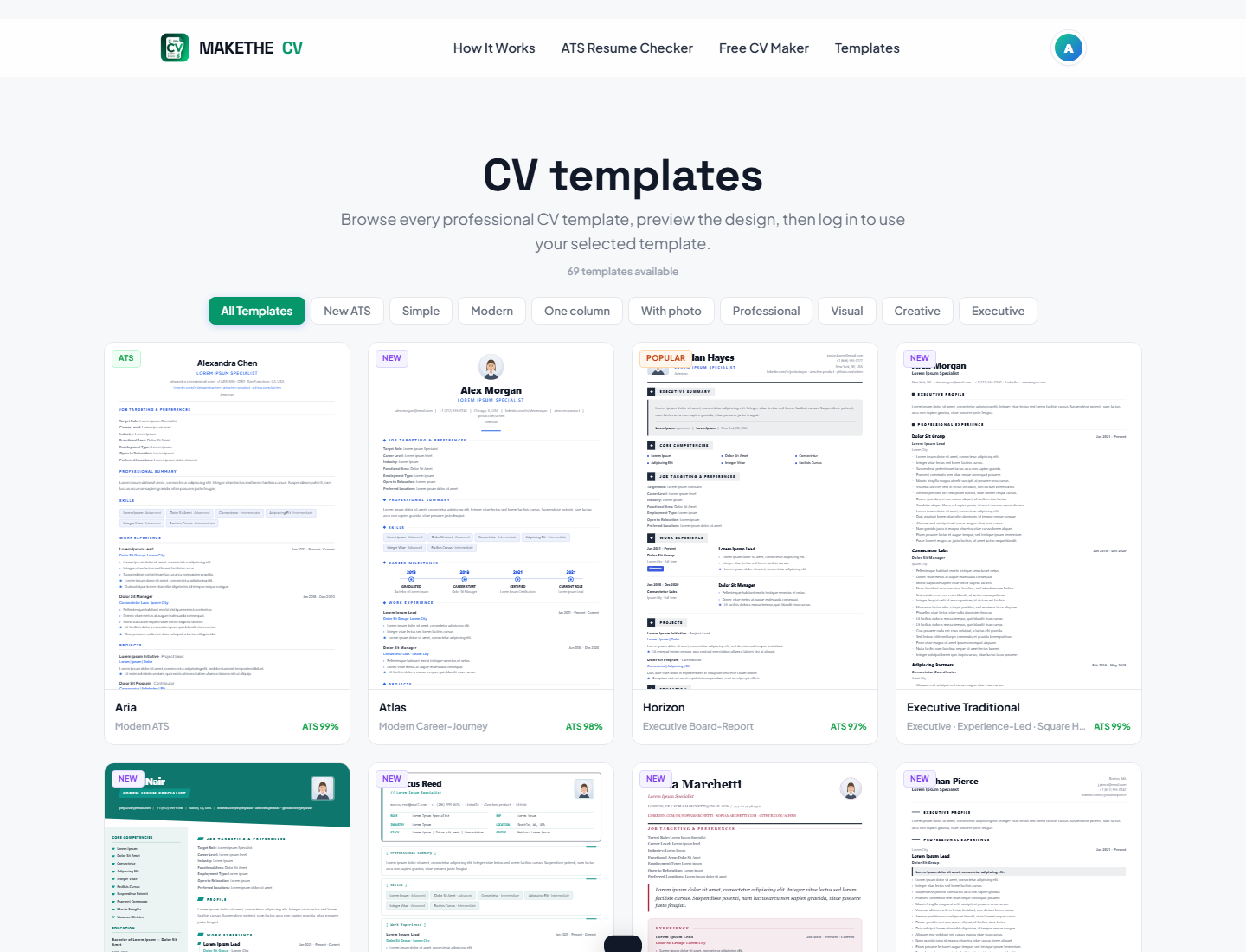
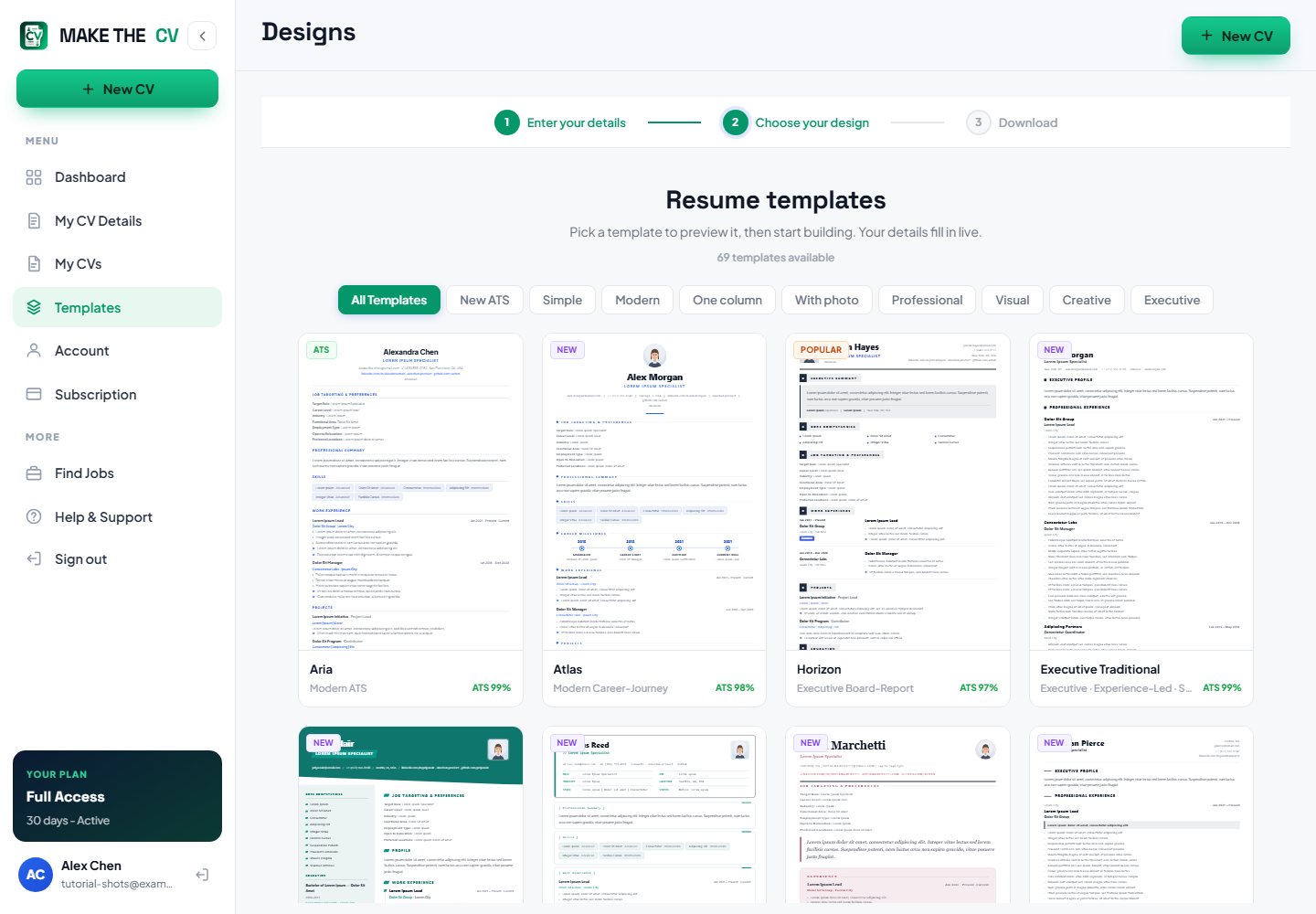
Browse the designs from Templates in the navigation, or from Choose your design inside the builder once you are signed in.
Use the filter tabs
The tabs across the top are All Templates, New ATS, Simple, Modern, One column, With photo, Professional, Visual, Creative and Executive, and every card also shows that design's ATS score. If you are applying through a company's careers portal, start with New ATS, Simple or One column.
Prefer a single column for heavily automated applications
One-column layouts read top to bottom in the order you wrote them, which is the least ambiguous thing a parser can encounter. Two-column designs look sharper on screen and are fine for CVs you send to a person directly.
TipWhen in doubt about how an employer processes applications, the simpler layout is the safer bet.
Think about the photo
The With photo filter shows designs with a headshot. In the UAE and much of the Gulf a photo is normal; in the UK and US it is usually left off. Choose to suit the market you are applying in.
Preview before you commit
Preview shows the design at full size with your own content in it. Use this template applies it — and because your content is stored separately, you can change your mind later without retyping anything.
Adjust the font and colour
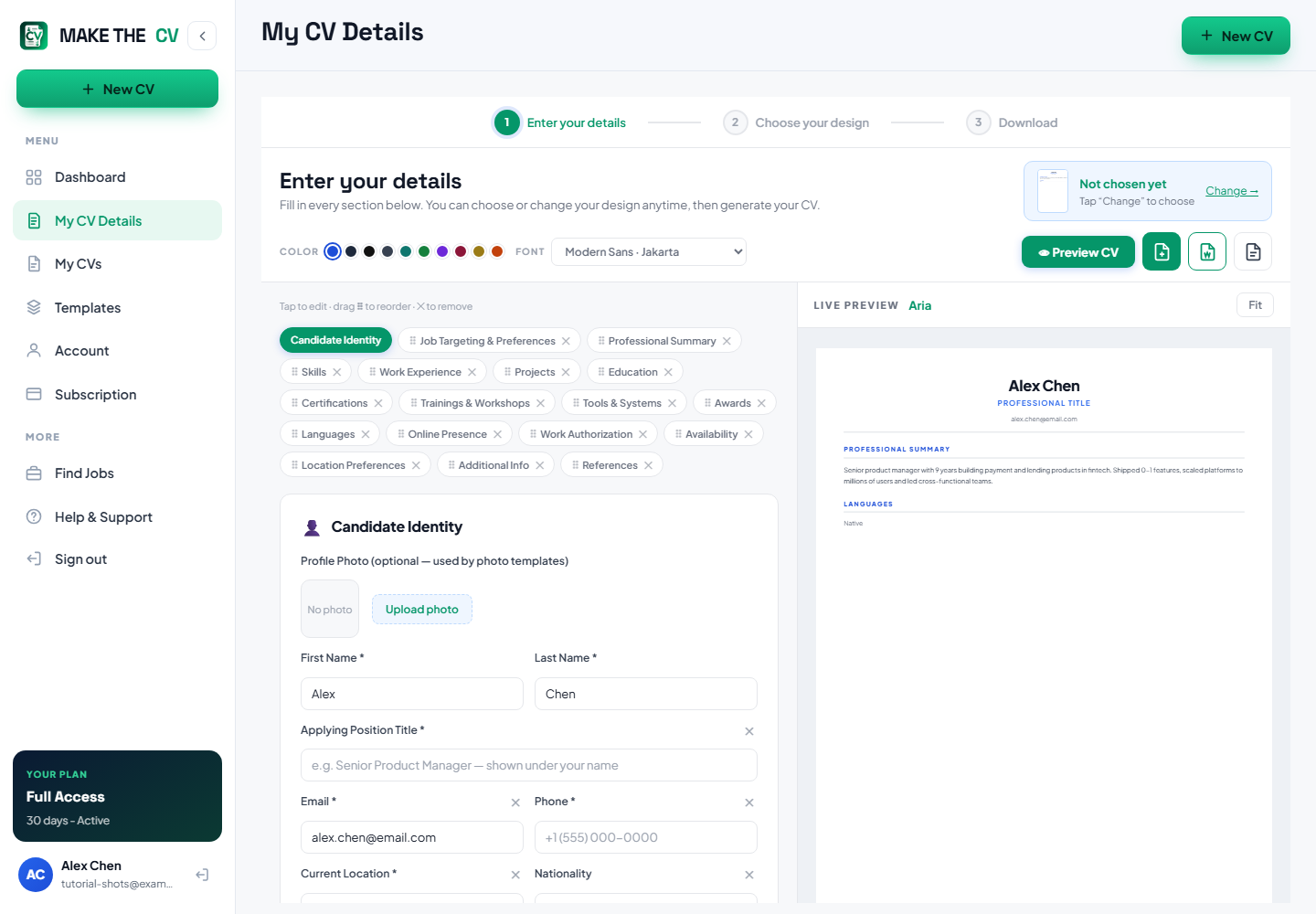
Inside the builder, Font and Color let you tune the design without changing the layout. Keep contrast strong and avoid tiny type — both help human readers as much as software.
Questions people ask
Are these templates ATS-proof?
No design can promise that, because employers configure their systems differently. What these produce is clean, selectable text with standard headings, which is what parsers handle best.
Can I switch template after building my CV?
Yes. Your content is separate from the design, so applying another template re-flows the same information.
Do two-column designs break parsing?
Not automatically, but a single column removes any ambiguity about reading order. For heavily automated applications it is the safer choice.