The Professional Summary is the first section of the CV and the one a recruiter reads while deciding whether to read the rest. The ATS Resume Checker also looks for it specifically — a CV with no summary loses points under Structure.
Aim for three or four sentences. Not a life story, and not a list of adjectives.
Step by step
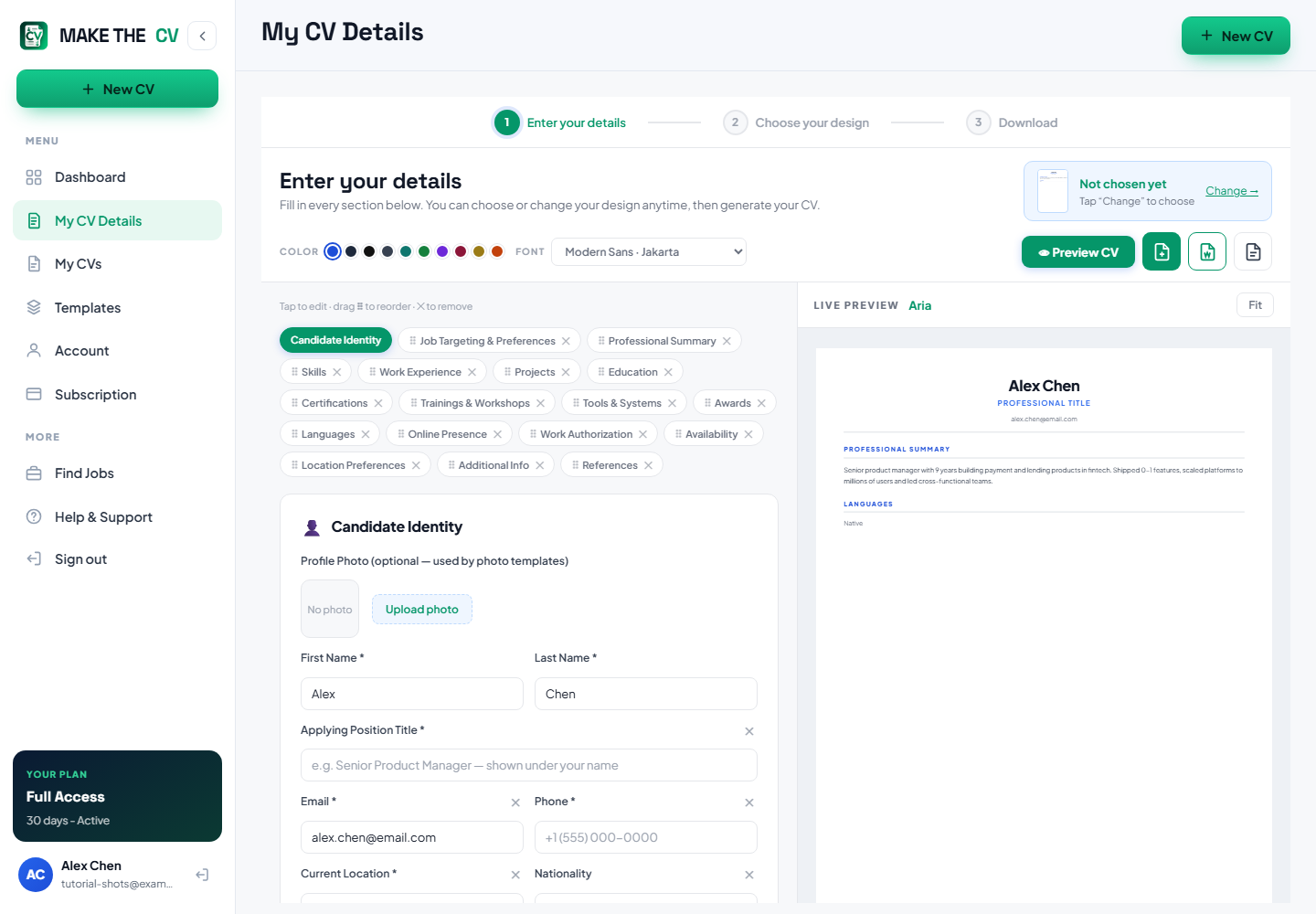
Open the Professional Summary field
In My CV Details, the summary sits near the top of the form, under your contact details and the Applying Position Title.
Open with your role and experience
Start with what you are and how long you have done it: "Operations manager with eight years in regional logistics." That single line tells a reader whether to keep going.
Add the evidence
Follow it with one or two specifics you can back up — a scale, a result, a specialism. "Ran a 22-person team across three warehouses and lifted on-time delivery from 84% to 97%."
TipA number here is worth more than three adjectives.
Close with direction
Finish with what you are looking for, matched to the role you are applying for. Keep it concrete rather than aspirational.
Cut the filler
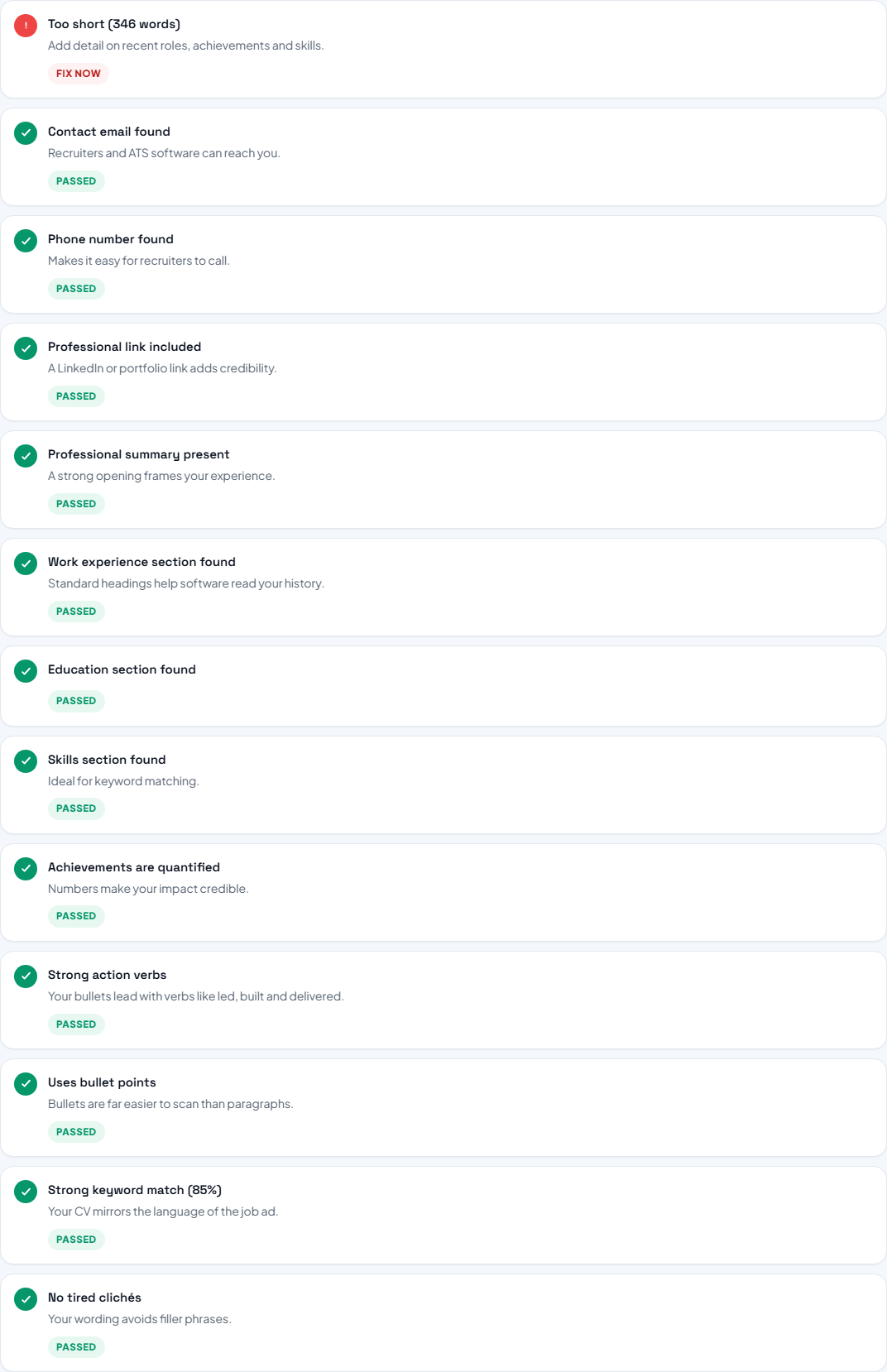
The checker flags tired phrases such as "team player", "results-driven", "hard working" and "proven track record", and it flags first-person phrasing like "I" and "my". Both are easy to remove without losing meaning.
Read it back in the preview
Check it in the Live Preview at the size it will actually be read. If it runs past four lines, cut the least specific sentence.
Questions people ask
How long should a professional summary be?
Three or four sentences. Long enough to say what you do and prove it, short enough that it is read.
Should I write it in the first person?
Conventionally no — CVs drop "I" and "my" and lead with the verb. The checker flags heavy first-person phrasing.
Do I need a different summary for each application?
Rewriting the last sentence to match the role you are applying for is usually enough, and it is the fastest tailoring you can do.