The ATS Resume Checker takes a CV you already have and reports how well it is likely to be read by the software employers use to filter applications. It works on any CV, not only ones built here.
Your file is read in your browser to produce the score. You need an account to open your own report — there is an example report anyone can look at first.
Step by step
Open the checker
Choose ATS Resume Checker in the main navigation, or go straight to /ats-resume-checker.
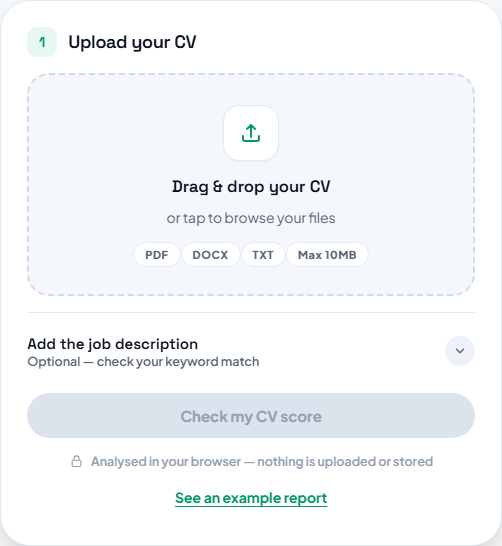
Add your CV
Drag the file onto the upload area or click to browse. PDF, Word (.docx) and plain text are accepted, up to 10 MB. Once it is read you will see the file name with a word count confirming the text was extracted.
TipA scan or photo of a printed CV has no text layer and cannot be scored — export a fresh PDF instead.
Add a job description if you have one
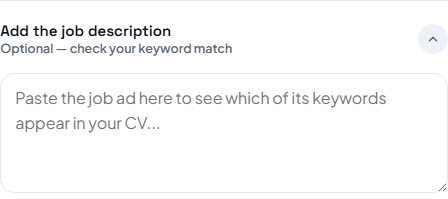
Expand "Add the job description" and paste an advert to compare against. This is optional and the check works without it.
Run the check
Press Check my CV score. If you are not signed in you will be asked to sign in first — your upload is kept, and the report runs by itself as soon as you are back.
Read the report
You get a score out of 100 with a grade, five category cards, and a list of specific findings you can filter by All, Critical, Improve and Passed.
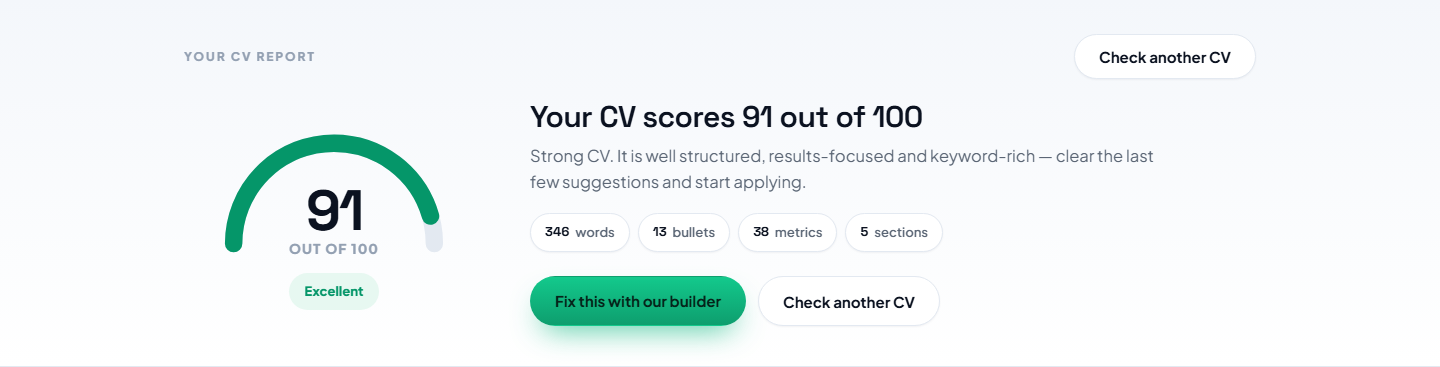
Fix and re-check
Work through the critical items first, export the CV again and use Check another CV to score the new version.
Questions people ask
Do I need an account?
Yes, to open your own report. The example report is available to everyone.
Which file types work?
PDF, Word (.docx) and plain text. Old .doc files are not supported.
What happens to my CV?
The upload card tells you what happens to it: the CV is analysed in your browser to produce the score.
Is this the same system employers use?
No. Employers configure their own software. This checks the conventions that hold across most of them.